Digital Nomad Guide: Internet Solutions for Van Life in WA
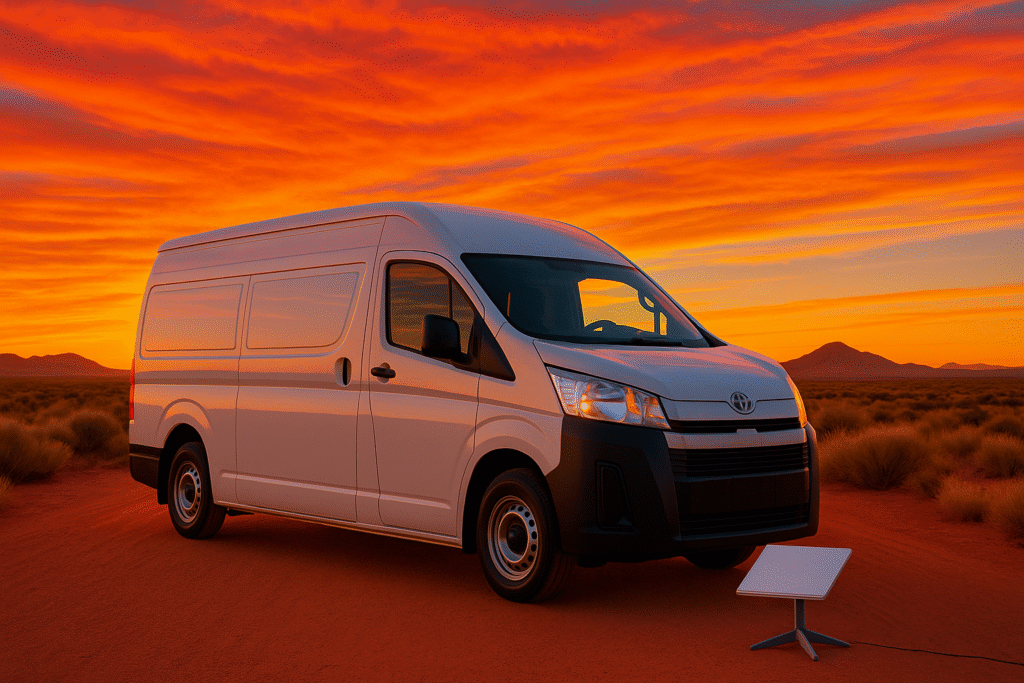
Living the van life in WA and need reliable internet? Staying connected in remote areas can be tough, but solutions like Starlink Mini, mobile networks, and public Wi-Fi make it possible. Here’s a quick overview:
- Starlink Mini: Portable satellite internet with speeds up to 150Mbps, designed for off-grid work. Rental plans start at $10/day.
- Mobile Networks (4G/5G): Useful near towns, with Telstra offering the best coverage in rural WA.
- Free Wi-Fi: Available in urban areas like Perth, public libraries, and some drive-in hotspots.
For power, solar generators like the Jackery 300 Plus or iTechworld PS2000 keep devices running. Apps like WikiCamps Australia and WiFi Map help find campsites and hotspots. Combine these tools to stay productive while exploring WA’s remote beauty.
Starlink Mini for Van Life Internet
About Starlink Mini
Starlink Mini is designed to tackle WA’s remote connectivity issues. Weighing just 1.16 kg and measuring 29 cm by 25 cm, it’s even smaller than a 13-inch MacBook Pro [1]. It uses only 20 watts of power after stabilising, less than half the energy of standard satellite dishes [4]. This makes it an ideal choice for those living the van life, where conserving power is crucial.
Main Features for Van Life
Starlink Mini offers features tailored for digital nomads exploring WA’s remote areas:
| Feature | Specification | Perfect for Van Life Because… |
|---|---|---|
| Download Speed | Up to 150Mbps | Handles video calls, streaming, and large file uploads with ease |
| Wi‑Fi Range | 45 metres | Lets you set up a workspace outside your van |
| Power Options | USB‑C, 12V/24V | Works with most van power setups |
| Router | Built‑in Wi‑Fi 5 | No need for extra equipment or setup hassles |
"Space internet is the reason I’ve been able to work from some very remote locations over the last two years… Now, SpaceX has launched the diminutive Starlink Mini. It changes the game for portable connectivity." – Thomas Ricker, Deputy Editor and Verge Co-Founder [3]
With these features, Starlink Mini is built for quick and easy use on the road.
Power and Installation Guide
Power the device using the 12V/24V cable provided or a 100W USB‑C power bank. Mount it with the included kickstand or a pipe adapter, and set it up using the Starlink app. For the best performance, ensure the dish has a clear view of the sky.
WA Rental Costs and Options
If you’re travelling through WA, there are flexible rental options for Starlink Mini. Perth-based Offgrid Internet provides two main plans:
| Plan Type | Daily Rate | Data Allowance | Equipment Provided |
|---|---|---|---|
| Standard | $10 | 12.5GB/week or 50GB/month | Full kit with power cables |
| Unlimited | $20 | Unlimited data | Full kit with power cables |
Other providers, like Rent a Sat Phone, offer weekly rentals starting at $280 for a seven-day minimum, with an $18 rate for each extra day [6]. Their package includes 5GB of data, with additional usage charged at $5 per GB [6].
For longer stays, OER Rentals has Starlink systems available for $175 over five days, with an extra $10 per additional day [5]. Monthly rates and custom arrangements are available by contacting providers directly.
Other Internet Options in WA
4G/5G Mobile Networks
Starlink Mini is often the go-to for remote connectivity, but mobile networks are a strong alternative in areas closer to towns. Telstra’s network, for instance, can reach distances of 20–70 km from its base stations [7].
Here’s how mobile networks in WA generally perform:
| Network Type | Average Speed | Typical Latency | Best Use Case |
|---|---|---|---|
| 4G | 57.2 Mbps | 30–70 ms | Small towns, rural areas |
| 5G | 123.9 Mbps | 5–20 ms | Metropolitan and regional centres |
While 5G delivers speeds over twice as fast as 4G [8], its coverage is mostly limited to urban areas. For travellers venturing into rural WA, 4G remains the more practical choice.
Free Wi‑Fi Locations
In urban centres, free Wi‑Fi hotspots provide another way to stay connected. Perth alone has 2,653 free Wi‑Fi spots listed on WiFi Map [10]. However, in rural areas, options are often limited to public libraries, chain retailers, or drive‑in hotspots.
- Public libraries: Ideal for longer work sessions with reliable connections.
- Chain retailers: Better for quick online tasks.
- Drive‑in hotspots: Originally introduced during COVID‑19, these are great for emergency internet access. Over 300 new drive‑in Wi‑Fi hotspots are expected to be added across WA, offering temporary free access for those without broadband [9].
These options work well in urban or semi-urban settings, but for true remote connectivity, Starlink Mini still leads the pack.
Internet Options Compared
Here’s a quick comparison to help you choose the right solution for your van life needs:
| Feature | Starlink Mini | 4G/5G Mobile | Free Wi‑Fi |
|---|---|---|---|
| Monthly Cost | $10–20/day rental | $50–70 [13] | Free |
| Remote Coverage | Excellent | Limited | Urban areas only |
| Setup Required | Minimal | SIM installation | None |
| Data Limits | Plan dependent | Yes | Usually unlimited |
For those looking for reliability, T‑Mobile’s 5G home internet offers consistent speeds above 100 Mbps [13] and bundles with voice for $35/month [11][12]. A combination of Starlink Mini as a primary option with mobile networks as backup ensures comprehensive coverage, even in WA’s most remote areas.
Power Supply for Internet Devices
Solar and Battery Systems
If you’re in WA and planning to use the Starlink Mini or similar devices, it’s important to plan your power setup carefully. The Starlink Mini uses between 20–40W when active and 15W in idle mode, making it relatively energy-efficient[14].
Solar generators are a great option for keeping your devices powered. Here’s a breakdown of how some popular models perform with the Starlink Mini:
| Solar Generator | Daily Runtime | Best For | Key Features |
|---|---|---|---|
| Jackery 300 Plus | 6–12 hours | Weekend trips | Compact, lightweight |
| Jackery 1000 v2 | 22–45 hours | Extended travel | High capacity, priced at $1,299 |
| iTechworld PS2000 | 33 hours | Full-time living | Pass-through charging |
To calculate your total power needs, keep in mind that the Starlink Mini typically consumes 480Wh to 960Wh per day for 24-hour operation[14]. Pairing it with high-quality solar panels is essential, especially under WA’s abundant sunlight.
"Basic camping solar panels and a battery can power Starlink all day", Elon Musk stated[14].
Power Management Tips
Once your power supply is sorted, managing your energy wisely is just as important. Efficient power management can help extend your device’s runtime and keep you connected off-grid.
-
Optimise Your Power Setup
Switching Starlink to a 12V power source can reduce overall consumption[15]. Use a DC-DC boost converter to integrate it seamlessly with your van’s battery system[16]. -
Monitor Usage Patterns
Track your power usage and plan downtime during non-essential hours to save energy. -
Smart Charging Practices
Get the most out of your setup by:- Using pass-through charging when available
- Charging devices during peak solar hours
- Keeping power stations cool to avoid overheating
- Downloading media when connected to shore power[2]
The iTechworld PS2000 is particularly efficient, reaching 80% charge in under an hour[17]. For remote WA locations, consider combining different power sources. Thanks to the Starlink Mini’s input range of 12–48VDC[18], you have flexibility in charging options. However, Starlink only guarantees performance with its included power supply.
sbb-itb-ab5f32a
Tips for WA Remote Work
Internet and Workspace Finder Apps
Planning ahead is crucial for reliable internet and workspaces while travelling in WA. WikiCamps Australia is a great tool with over 60,000 locations, including campgrounds and caravan parks that offer connectivity [19].
Here are some apps to help you find work-friendly stops:
| App Name | Key Features | Best For |
|---|---|---|
| WikiCamps Australia | 60,000+ locations, offline access | Finding powered sites, caravan parks |
| iOverlander | 250,000+ places, user reviews | Discovering remote workspaces |
| WiFi Map | 180M+ users, community-verified hotspots | Locating public Wi‑Fi hotspots |
For convenience, download offline maps for both WikiCamps Australia and iOverlander. Once your workspace options are sorted, it’s time to focus on keeping your data secure.
Online Security Guide
Working in remote WA often means relying on public or satellite internet, which can pose risks to your data. Did you know the average cost of a data breach hit $4.88 million in 2024? That’s a 10% rise from the previous year [20]. Protecting your information is essential for both personal safety and maintaining a smooth workflow.
Here are some key security steps to follow:
- Use a reliable VPN to encrypt your internet connection.
- Update your devices with the latest antivirus software and firewalls.
- Enable multi-factor authentication on all work-related accounts.
These measures ensure your data stays safe, even in remote locations.
Work and Travel Schedule Tips
Balancing work and travel in WA requires a bit of strategy. A well-structured schedule can help you make the most of your time without sacrificing productivity. Flexible rental options can also add convenience to your work-travel routine.
Here are some tips to optimise your schedule:
- Work during times of low network traffic, like early mornings or evenings.
- Use transit days for focused tasks or planning.
- Schedule indoor work for days with extreme weather conditions.
STARLINK MINI Explained: Essential Info for VAN LIFE and TRAVEL
Conclusion
Reliable internet connectivity is now within reach for digital nomads travelling through Western Australia’s vast landscapes. The Starlink Mini stands out as a practical choice, combining portability and performance for those embracing van life.
Its small, energy-efficient design is perfect for off-grid work. Many local providers offer rental packages that include pre-configured kits with all the necessary accessories, making setup straightforward.
With speeds typically ranging from 100 to 200 Mbps – and tests showing up to 222 Mbps [22] – it delivers strong performance. Although the hardware costs between $400 and $600 [21], the dependable coverage in remote WA areas makes it a worthwhile investment for committed digital nomads.
"As someone who likes to occasionally live and work as far off the grid as possible, the Starlink Mini is the dish I’ve been waiting for. It’s the most energy-efficient Starlink terminal SpaceX offers, and its most portable by a mile, with only a modest drop in performance." [3]
Whether you’re working from the Pilbara or joining video calls in the Kimberley, the Starlink Mini offers the reliability and efficiency needed for staying connected. Paired with cellular backup and thoughtful workspace planning, it ensures you can maintain productivity while enjoying the freedom of van life in Western Australia’s remote regions.