Does Weather Affect Starlink Speeds?
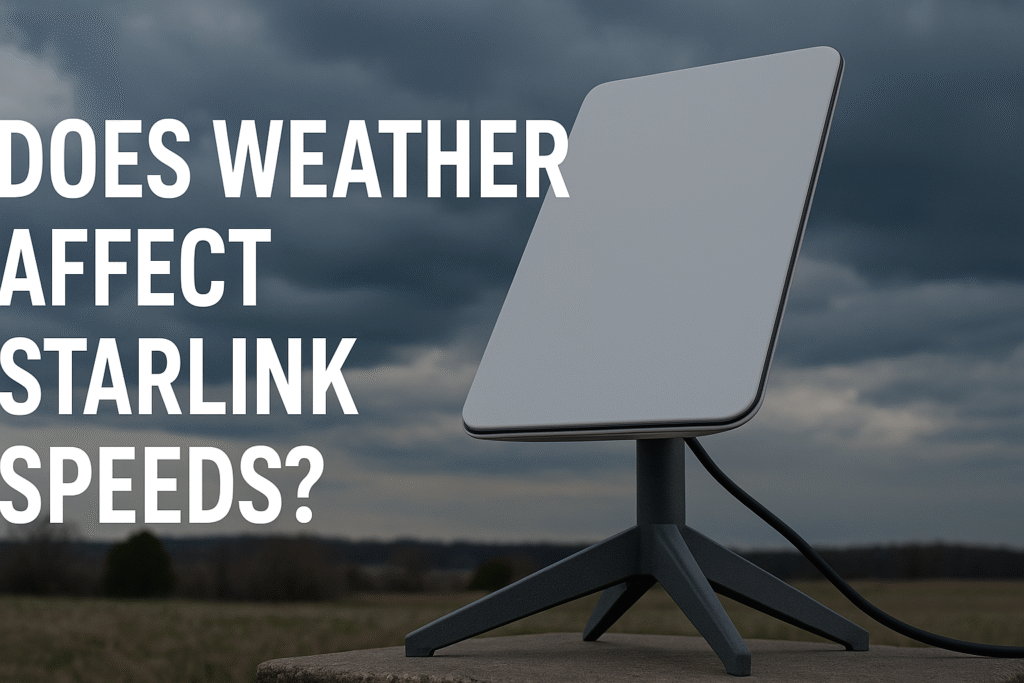
Yes, weather can affect Starlink speeds, but its low-earth orbit design minimises disruptions. Here’s what you need to know:
- Rain and storms: Heavy rain may cause temporary slowdowns, but light rain has little impact.
- Snow and ice: Starlink dishes have built-in heaters to melt snow and ice, keeping speeds stable.
- Heat and sun: Extreme heat may slightly increase latency, while solar interference during equinoxes can cause brief signal issues.
Tips to Maintain Performance:
- Use the Starlink app to position the dish with a clear sky view.
- Protect your equipment: Clean the dish and seal cables to prevent damage.
- Plan backups: Severe weather may require alternative connectivity options.
Starlink generally provides reliable internet in Australia, even in challenging weather. Proper setup and maintenance can help ensure consistent performance.
How Weather Affects Satellite Signals
Basic Signal Interference
As signals travel through the atmosphere to reach Starlink dishes, they can weaken due to interference. When atmospheric moisture, rain, or other precipitation is present, two key issues arise:
- Absorption: Water molecules in the atmosphere absorb signal energy.
- Scattering: Precipitation causes the signal to disperse.
These factors may temporarily reduce signal strength, leading to slower speeds for short periods. However, Starlink’s setup is designed to address these challenges effectively.
Starlink’s Low-Orbit Design
Starlink’s low-earth orbit system offers a significant edge over traditional satellite setups when it comes to handling weather-related disruptions. Here’s why:
- Shorter Signal Path: With satellites positioned closer to Earth, signals pass through less of the atmosphere, reducing interference.
- Multiple Satellite Connections: Starlink dishes can connect to several satellites at once, providing backup options during local weather issues.
- Quick Signal Recovery: The low-orbit design helps maintain latency between 20–40ms, even during weather fluctuations.
This architecture allows Starlink to deliver dependable service across Western Australia. While no satellite system is entirely unaffected by weather, Starlink’s approach greatly reduces the impact of atmospheric interference.
Starlink speed tests in WA, consistently show stable performance, even under changing weather conditions.
Weather Types and Speed Impact
Rain and Storm Effects
Starlink’s low-orbit design provides strong resistance to weather disruptions, but heavy rain and severe storms can still cause temporary slowdowns due to rain fade.
Light rain, on the other hand, has little impact on speeds. In Australia’s tropical north, the system includes measures to maintain stable connections even during intense storms. Now, let’s look at how snow and ice affect performance in colder regions.
Snow and Ice Impact
Snowfall in alpine areas of New South Wales and Victoria can impact operations, but Starlink dishes come equipped with built-in heaters to melt snow and ice. This feature helps preserve signal quality even in harsh winter conditions. Shifting to hotter climates, different challenges emerge.
Heat and Solar Issues
Australia’s extreme heat can lead to minor latency increases as the dish makes thermal adjustments. Additionally, solar interference during equinox periods can briefly disrupt signals.
To counter these effects, placing the dish in afternoon shade can help maintain consistent speeds – especially critical in the outback, where summer temperatures can be extreme.
sbb-itb-ab5f32a
How rain affects SpaceX Starlink: Months-long test
Weather Performance Tips
To tackle the weather-related issues mentioned earlier, try these practical performance tips:
Choosing the Right Dish Location
The Starlink app includes an obstruction scanner to help you find the best spot for your dish with a clear view of the sky. Place the dish on higher ground to prevent water from pooling around it during heavy rain.
Steer clear of low-lying areas where water or snow might collect, and keep an eye out for seasonal obstructions that could block the signal.
Protecting Your Equipment
Regular upkeep is key to maintaining a reliable connection. Clean the dish surface routinely, and if you’re near the coast, rinse it monthly to prevent salt buildup.
During installation, make sure to seal cable connections to keep out moisture and protect the system from harsh weather.
Even with these measures, having a backup connection plan is a smart precaution for extreme conditions.
Backup Connection Options
For times when severe weather disrupts your main connection, consider these backup plans:
| Plan Type | Daily Rate (≤7 days) | Daily Rate (>7 days) | Data Allowance |
|---|---|---|---|
| Standard | $15 | $10 | 12.5 GB/week or 50 GB/month* |
| Unlimited | $25 | $20 | Unlimited |
*Additional data is charged at $2 per GB.
These backup plans provide flexible solutions for emergencies. To optimise your connectivity, plan essential online activities during the morning, as weather conditions are often more stable then.
Weather Impact Summary
Weather conditions can influence Starlink’s performance, particularly in Western Australia. However, Starlink generally delivers consistent speeds and low latency during typical weather patterns.
To maintain reliable performance, consider these three strategies:
- Position the dish carefully and use the Starlink app to make adjustments as needed.
- Protect your equipment during extreme weather to avoid damage.
- Stay informed about weather forecasts and have a backup connectivity plan ready.
While severe weather can impact any satellite service, proper setup and maintenance can greatly reduce disruptions. For travellers, remote workers, and various industries in Western Australia, Offgrid Internet offers Starlink Mini satellite internet rentals.
These services provide fast and dependable connectivity, even in challenging weather. Following these tips can help ensure a stable connection across Australia’s unpredictable climate.