How does Starlink satellite internet work?

- Starlink connects homes with a low Earth orbit mesh of satellites, lowering latency compared with old geostationary systems.
- A smart phased array dish tracks satellites automatically, while ground stations and lasers handle backhaul across continents.
- Weather, obstructions, and network load shape your real speeds and stability more than raw bandwidth claims.
- Competitors like OneWeb and Amazon Kuiper push prices, reliability, and coverage forward across regions.
- Simple setup wins for many users, but troubleshooting matters: cable runs, clear sky, and router placement make a big difference.
I have sat in a windswept farm shed, holding a white dish up on a ladder while a friend yelled “higher” over a two‑way radio. If you live outside fiber lines, that scene feels normal. Starlink grew out of that need: fast internet without waiting for a trench crew to show up. Here is the heart of it: hundreds of kilograms of smart hardware in space, a pizza‑box antenna at home, and a software brain routing packets in milliseconds. The result is strong enough for Zoom, gaming, and cloud work in places where even 4G fades. SpaceX keeps launching new satellites to thicken the mesh, improving handovers and reducing congestion. Curious how the pieces fit, who else is racing in orbit, and how to avoid the usual hiccups? Let’s map the full story, from orbit to your living room, using real examples, plain language, and a few field notes from people like us who just want a stable connection that does not blink during a storm.
How Starlink satellite internet actually works from sky to socket
Think of Starlink as three layers. Layer 1: a swarm of small satellites orbiting at roughly 550 km. Layer 2: ground gateways tied to fiber that push traffic up and down. Layer 3: your phased array dish and Wi‑Fi router. The key win is low Earth orbit which cuts latency to tens of milliseconds, instead of the 600 ms round trips that older geostationary systems like Viasat and HughesNet deal with at 35,786 km. As satellites pass overhead, your dish beam steers electronically to lock on, then the network hands your session to the next satellite without you noticing.
SpaceX uses laser links between satellites to move data across oceans without touching the ground, reducing hops and jitter. That design is different from earlier fleets and gets closer to fiber‑like feel. If you want a deeper breakdown of the architecture, this primer explains the basics clearly in French with diagrams: how satellite internet from Starlink works. I like pairing that with a practical overview for non‑engineers here: Starlink, explained.
In practice, a good link looks like this: the dish has clear sky, your house Wi‑Fi handles local devices, and gateways push your packets into the public internet. If any one of those stumbles, you feel it. Obstructions like tall trees will cause brief drops as the dish tries to reacquire a satellite. The app shows “obstructed” events so you can nudge the mount. For a newsy take on current rollouts and pricing, I keep this reference handy: hardware and performance overview.
- Low altitude cuts latency and improves gaming and calls.
- Laser links move data between satellites without ground hops.
- Smart beam steering keeps lock without motors.
- Dense constellation reduces dropouts during handovers.
- App diagnostics reveal obstructions, outages, and cable issues.
| Piece | Role | What you notice |
|---|---|---|
| LEO satellites | Carry traffic and relay via lasers | Lower ping, fewer long pauses |
| Ground gateways | Bridge to fiber networks | Regional routing and throughput |
| Phased array dish | Tracks satellites electronically | Stable video calls, smooth streams |
| Wi‑Fi router | Distributes internet at home | Coverage and device capacity |
Want a friendly explainer with examples from field installs and early adopters? This piece is a good companion read: how Starlink works. A tighter constellation and better handoffs are the quiet heroes that make the experience feel steady.
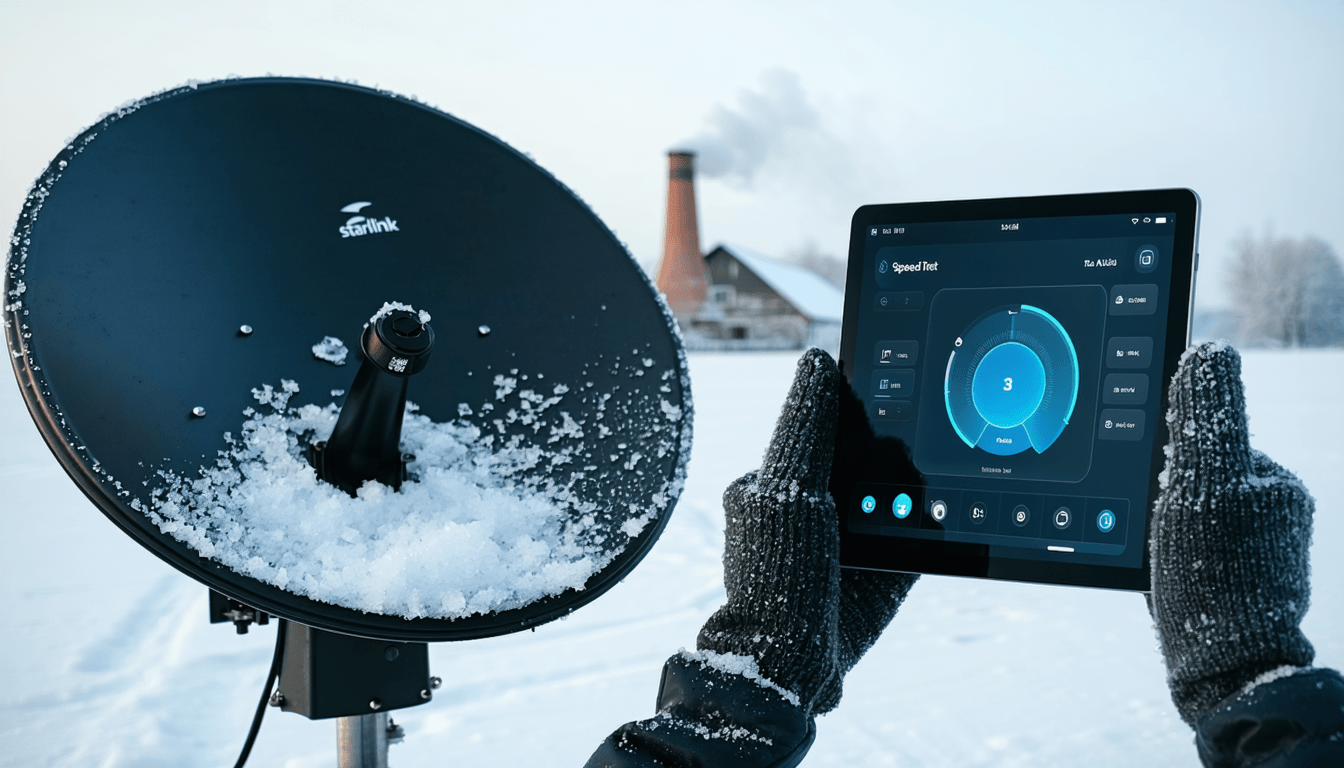
Starlink hardware, mounting, and setup that actually works
I like to keep things simple: short cable runs, a tall mount, and the router away from microwaves or thick stone. The dish ships with an angled stand that is fine for yard testing. For a roof or pole mount, use a rigid mast and run the cable without tight bends. A clear view of the northern or southern sky, depending on region, is priority one. This step‑by‑step guide is handy before you touch a drill: Starlink antenna installation.
Your phone guides you through setup. The app’s sky check uses your camera to map possible obstructions. If you see red zones, move higher or shift location. Once online, rename your Wi‑Fi and set a strong password. If you need better indoor coverage, consider Ethernet backhaul to a mesh system. For a broad intro to what ships in the box and who benefits most, this explainer is straightforward: who Starlink suits and why.
- Mount high above trees and rooflines for a clean sky arc.
- Keep the cable gentle with wide curves and stable clips.
- Use the obstruction tool and test for a full day before finalizing.
- Separate Wi‑Fi from noise like baby monitors and cordless phones.
- Plan power backup if outages are common where you live.
| Obstacle | Typical effect | Fix that lasts |
|---|---|---|
| Tree canopy | Short drops during handover | Raise mast or pole mount above leaves |
| Chimney or ridge | Frequent brief interruptions | Slide mount laterally, clear the arc |
| Long cable run | Voltage drop, unstable link | Keep under spec, use quality extensions |
| Hot attic | Thermal throttling | Shaded routing, ventilated path |
For a narrative look at the tech and why LEO matters, this French walk‑through stays practical and clear: what Starlink is and how satellites work. Clean install equals clean service, and that saves you headaches later.
Latency, speed, and what really affects Starlink performance
Let’s talk results. On a good day, you might see 20 to 60 ms latency and 100 to 250 Mbps down, but peaks vary by region and time. Congestion, cell capacity, and peering shape your experience more than any single spec. Ookla’s public tests show LEO services trending faster than GEO across many countries, with rural users gaining the most. You can sanity‑check current numbers by country on Speedtest Intelligence from Ookla here: independent speed trends.
Weather matters too. Rain and wet snow can add loss on Ku and Ka bands. The dish has heating to shed snow, but you still want a clear face. If your speeds tank during storms, compare with these field notes: does weather affect Starlink. For background on packages, limits, and the balance between network supply and demand, I like this overview in French with pricing snapshots: prices, speeds, and setup.
- Time of day affects throughput as cells fill up after work.
- Router placement inside the house can halve or double your Wi‑Fi speeds.
- Obstructions cause brief but sharp dips that feel like buffering.
- Weather raises error rates, especially with wet snow on the dish.
- Backhaul and peering control site‑to‑site performance beyond raw Mbps.
| Service | Orbit | Typical ping | Use feel |
|---|---|---|---|
| Starlink | LEO | 20 – 60 ms | Responsive video calls and gaming |
| Viasat | GEO | 600+ ms | Fine for browsing, rough for calls |
| HughesNet | GEO | 600+ ms | Stable but laggy interactions |
| Fiber to home | Ground | 5 – 15 ms | Best for heavy real‑time work |
If you like deeper technical coverage with consumer angles, this roundup stays current and readable: how the Starlink satellite network behaves. In short: latency is the win, consistency is the craft.
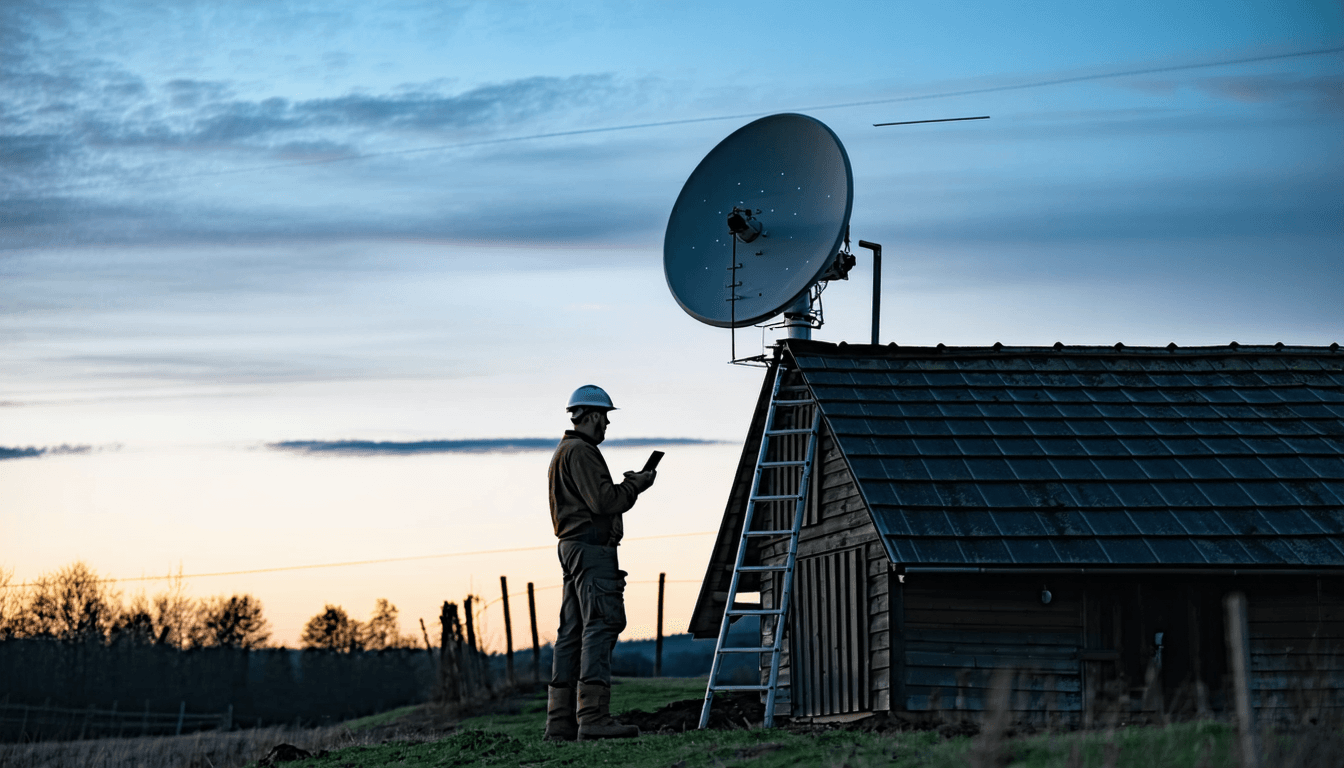
Starlink vs OneWeb, Amazon Kuiper, Telesat, SES, Inmarsat, and Iridium
Healthy competition keeps everyone honest. OneWeb focuses on enterprise and carrier backhaul, often bundling with SES or Inmarsat for resilience. Amazon Kuiper is ramping up deployment with a strong cloud edge, data centers, and logistics muscle. Telesat plans a targeted LEO network with fewer satellites and high capacity per craft. Iridium sits apart on L‑band for voice, tracking, and safety, not home broadband. This article tracks how Kuiper is shaping up in Europe and why that matters for prices: Amazon challenges Starlink in Europe.
If you want a single overview that ties the big names and their trade‑offs, this French guide is a neat primer: what Starlink does and where it fits. For a news angle on how launches add capacity and change user experience, here is a short read: new batches add network headroom.
- OneWeb pairs with carriers and enterprise customers first.
- Amazon Kuiper leans on AWS edge and supply chain scale.
- Telesat targets fewer, high throughput satellites for business links.
- SES blends GEO and MEO with mPOWER for global coverage.
- Iridium and Inmarsat serve safety, aviation, and maritime with reliable narrowband.
| Constellation | Primary orbit | Main focus | Latency feel |
|---|---|---|---|
| Starlink by SpaceX | LEO | Consumer, small business, mobility | Near real‑time |
| OneWeb | LEO | Enterprise, carrier backhaul | Near real‑time |
| Amazon Kuiper | LEO | Consumer and enterprise roadmap | Near real‑time |
| SES | MEO + GEO | Enterprise, government, media | Mixed, lower on MEO |
| Inmarsat and Iridium | GEO or L‑band | Safety, aviation, maritime, IoT | Not for broadband |
For context on how French tech media frame the shift from GEO to LEO and what that means in daily use, this explainer gives a balanced take: satellite internet reinvented. The headline insight: LEO is about feel, not peak speed bragging rights.
Real‑world stories, common issues, and quick fixes that save time
Meet Maya, a photographer running a small studio on a coastal road with spotty 4G. Her first week on Starlink was magic until wind shook the pole and tall pines swayed into the sky arc. The app showed minutes of obstruction every hour, always in the afternoon when the breeze picked up. The fix was boring but effective: a thicker mast, two guy wires, and shifting the mount two meters left to clear the treeline. Her video uploads stopped stalling. If you hit similar snags, scan this helpful list: common setup issues and fixes.
Politics can be as real as the wind. Import rules, spectrum decisions, and permits delay service in some countries. If your order sits pending for weeks, it might not be stock. It might be paperwork. Here is a recent roundup of those hurdles around the world: expansion faces political hurdles. For users in Western Australia, performance snapshots show how regional density and peering shape speeds: Perth and WA speed tests.
- Wobble equals dropouts – stiffen the mount and add guy wires.
- Trees grow – recheck obstructions each season and move early.
- Router heat – ventilate, avoid attics, and keep dust off vents.
- Backup plan – pair with 4G failover for client calls and card payments.
- Stay updated – firmware updates often improve handovers and stability.
| Symptom | Likely cause | Action |
|---|---|---|
| Short freezes in video calls | Obstructions during satellite swap | Raise mount, use app to test sky arc |
| Good dish stats, poor Wi‑Fi | Router placement or interference | Move router, set separate 2.4 and 5 GHz |
| Drops in heavy snow | Wet accumulation on face | Enable dish heat, brush gently if safe |
| Evening slowdowns | Local cell congestion | Schedule big downloads off‑peak |
If you like to follow the network’s growth and why launches matter week to week, this short piece is good reading with real launch cadence: fresh batch adds capacity. For French readers hungry for a big picture tour, this guide ties hardware, pricing, and who benefits most: network explained for users. The motto I share with clients is simple: mount right, keep sky clean, and test often.
Safety, sky clutter, and the bigger conversation about satellites
Large constellations draw tough questions: night sky brightness, debris risk, and spectrum sharing. Starlink uses darkening treatments and sunshades to reduce reflectivity, and there is constant work with astronomers on brightness metrics. Collision avoidance is automated, yet debris modeling remains a serious job for the whole sector. If you want a sober take on long‑term risks and planning, this explainer is worth a read: satellites and dangers by 2035. On the regulatory side, the FCC tracks licensing and interference studies; you can browse public filings and orders for context: FCC resources.
For everyday users, the practical safety checklist is simple: mount securely, mind power, and keep cabling tidy. For communities, coordination between LEO players like Starlink, OneWeb, and future Amazon Kuiper nodes keeps rural schools, clinics, and small factories online when a fiber cut occurs. For a broader consumer‑level overview in French that still connects back to daily use, this clear explainer helps: how it works in practice.
- Secure mounts reduce risks to people and hardware.
- Surge protection guards sensitive gear in storm zones.
- Responsible decommissioning limits debris at end of life.
- Shared spectrum planning helps keep services stable.
- Public transparency builds trust with local communities.
| Topic | Why it matters | Practical user action |
|---|---|---|
| Night sky brightness | Astronomy and heritage | Support dark sky policies locally |
| Debris mitigation | Long‑term orbital safety | Follow sector news, support standards |
| Ground safety | Weather and power hazards | Use rated mounts, surge gear, tidy cables |
| Policy awareness | Service availability and compliance | Check national regulator updates |
For a concise refresher on the core concept in French, this overview is useful to share with a neighbor who keeps asking how Starlink works: satellites explained simply. The takeaway is steady: good connectivity and good stewardship can live together.
How different is Starlink from HughesNet or Viasat for daily use?
Latency. LEO cuts round trip times to tens of milliseconds, so video calls, gaming, and cloud apps feel responsive. GEO services like HughesNet and Viasat can be stable for browsing, but the 600 ms+ delay makes real‑time work frustrating.
Will trees or weather ruin my connection?
Trees in the sky arc cause brief drops during satellite handovers. Mount higher and use the app’s obstruction tool. Rain and wet snow add some loss; the dish heater helps, but keep the face clear.
Can I keep my current Wi‑Fi and just use the dish as a modem?
Yes. Use Ethernet with a compatible adapter or the performance router, then run your own mesh or access points. Keep runs short and ventilate hot spaces.
Who else is competing with Starlink?
OneWeb focuses on enterprise links, Amazon Kuiper is building a large LEO network, Telesat targets business capacity, SES mixes GEO and MEO, and Iridium plus Inmarsat cover safety, aviation, maritime, and IoT.
Is Starlink expanding coverage this year?
Yes. Launch cadence adds capacity and new cells. You can follow recent missions and service notes in concise updates like the Falcon 9 coverage linked above.